01 · Real-world teleoperation
Drive a real robot hand
Glove data drives the arm and hand over ROS 2 in real time. Pro Haptic gloves vibrate when the robot hand touches an object.

Solutions · Physical AI Lab
A teleoperation and demonstration data collection lab for robot learning. Built on MANUS data gloves and NVIDIA Isaac. Start in simulation and add a real arm and dexterous hand when you need them.
The operator
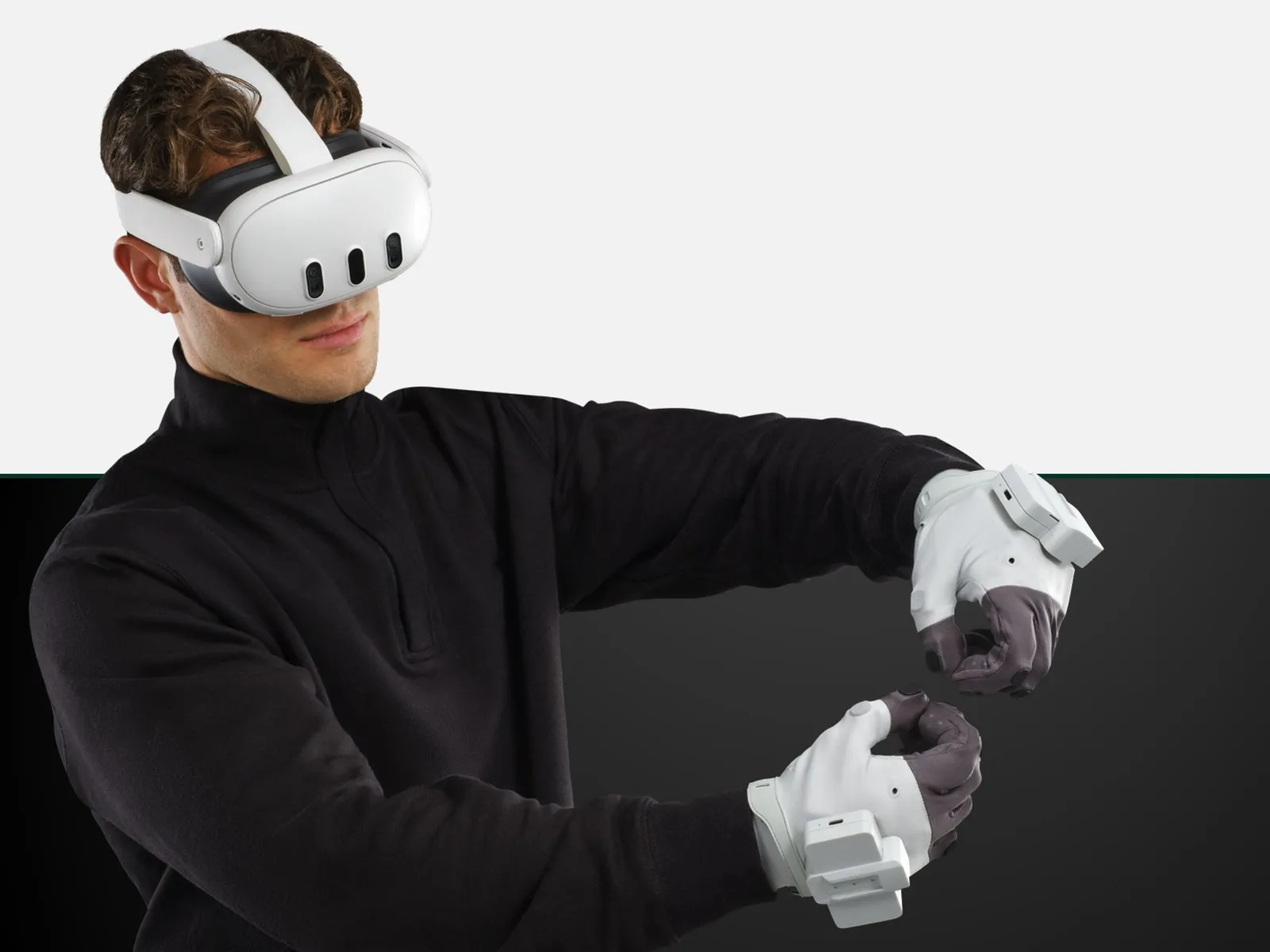
The operator wears an XR headset and a pair of MANUS data gloves. Hand and finger motion is retargeted to the robot hand in real time, and every move is recorded.
Finger-level tracking
Every finger joint is tracked electromagnetically, so nothing is lost when the hand closes around an object.
The robot's view in the headset
The operator works from what the robot's cameras see, not from a screen across the room.
Every session is a demonstration
Each run is saved with timestamps and can be replayed before it goes into training.
| Joint | MCP | PIP | DIP | Robot cmd |
|---|---|---|---|---|
| Thumb | 41.8° | 52.5° | 29.6° | 0.467 |
| Index | 49.9° | 62.7° | 35.4° | 0.533 |
| Middle | 40.0° | 50.3° | 28.4° | 0.400 |
| Ring | 31.0° | 39.0° | 22.0° | 0.300 |
| Little | 21.8° | 27.5° | 15.5° | 0.200 |
From demonstration to skill
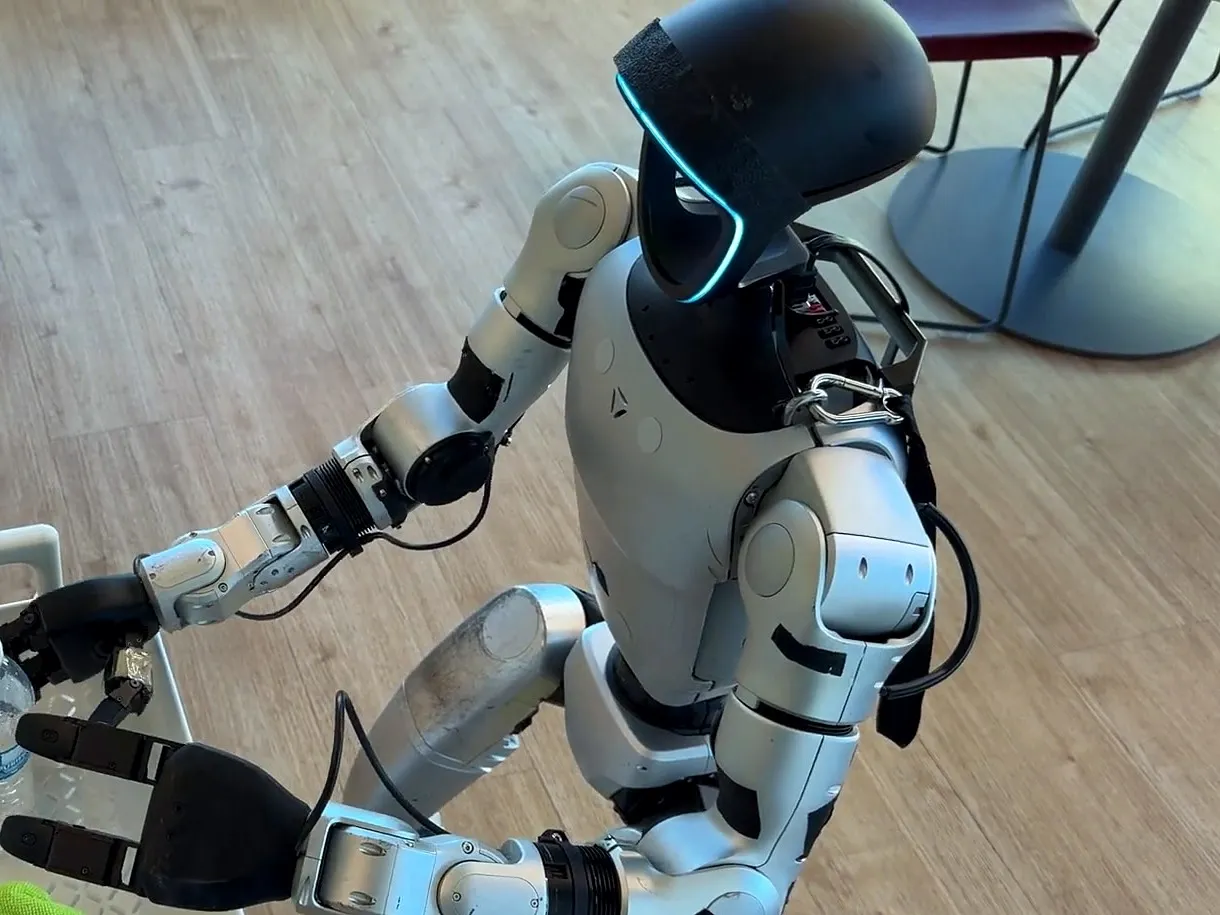
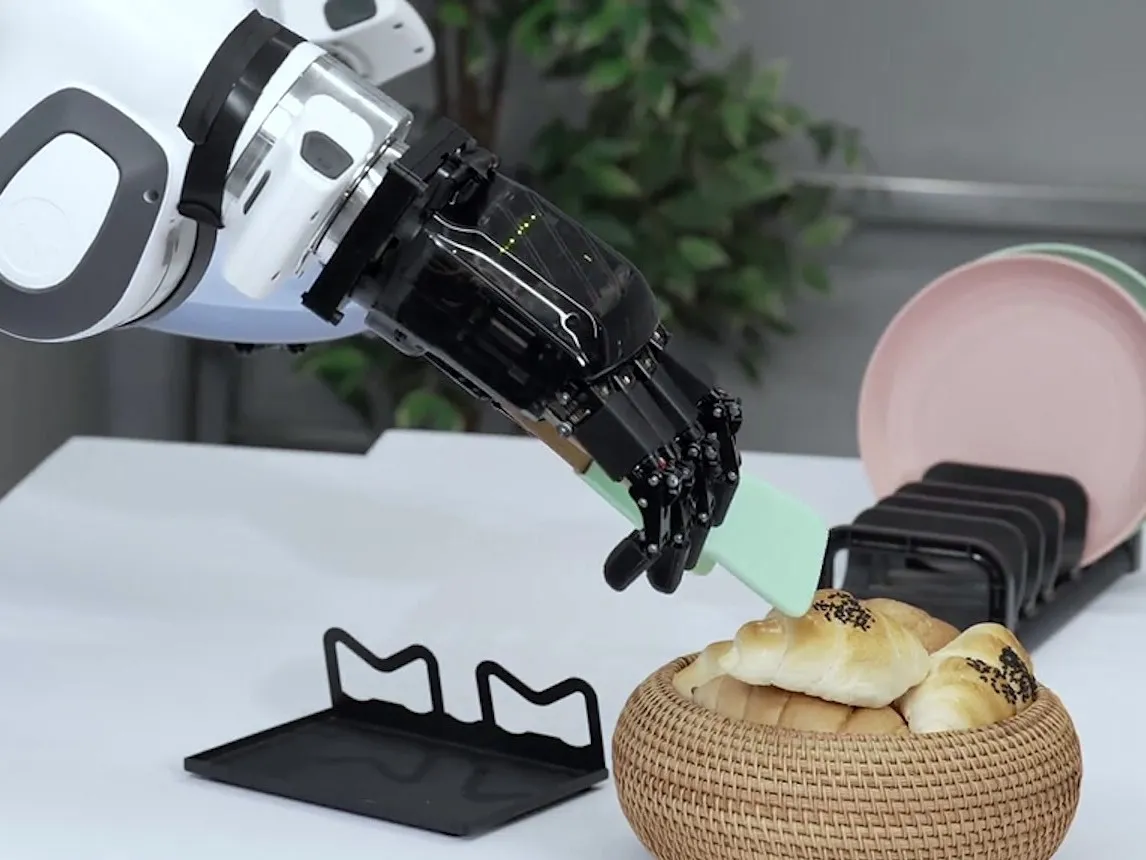
Policies trained on glove demonstrations run on real robots by themselves: a humanoid putting objects into a basket, a dexterous hand using a kitchen tool.
Who it is for
The hard part of hand demonstrations is occlusion: cameras lose fingers hidden behind objects. MANUS gloves use electromagnetic tracking with no line of sight, so finger data stays complete during grasps.
Universities
Robotics, automation and computer science groups, and teaching labs.
Research institutes
Teams working on dexterous manipulation, imitation learning and embodied AI.
Robot companies
Teams building their own manipulation datasets.
Three modes
The same gloves and software work in all three.
01 · Real-world teleoperation
Glove data drives the arm and hand over ROS 2 in real time. Pro Haptic gloves vibrate when the robot hand touches an object.
02 · Simulated teleoperation
Operate a digital twin of the robot through Isaac Teleop. Collisions are harmless and scenes reset instantly.
03 · Demonstration data
Record episodes per task. Each one is numbered and timestamped, and can be replayed for checking before export.
Workflow
An operator performs the task with gloves on, the robot follows in real time, and every stream is saved with timestamps as one episode for imitation learning.
MANUS gloves track 25 joints per hand. Wrist trackers give wrist position, and the operator sees the robot's view in an XR headset.
MANUS Core 3 streams hand data to ROS 2 or Isaac Teleop, which maps it to the robot hand's joint count and limits.
Control a real arm and hand over ROS 2, or a simulated robot in Isaac Lab. Pro Haptic gloves vibrate on contact.
Finger joint angles, wrist and head pose, RGB-D video, robot joint states and commands, all timestamped as one episode.
Export HDF5 or LeRobot datasets for imitation learning such as ACT or Diffusion Policy, or for fine-tuning models such as GR00T.
System architecture
An open stack: data stays on your workstation and nothing is locked to us.
01 · Operator
MANUS Metagloves
25 joints per hand · haptics
XR headset
Vision Pro / Quest 3
Wrist trackers
VIVE Ultimate Tracker
02 · Workstation
RTX workstation
MANUS Core 3NVIDIA Isaac Sim / LabNVIDIA Isaac TeleopROS 2 HumbleEpisode recorderUbuntu 22.04
03 · Robot
Simulated robot
Isaac Lab digital twinunlimited resets
Real robot
Arm + dexterous handRGB-D cameras × 2–3
04 · Output
Dataset
fingers · wrist · headcamera videorobot joints · commandsHDF5 / LeRobot
Configurations
Standard bills of materials. Models are adjusted to your space, budget and research, and each configuration can be upgraded to the next.
Teaching and first experiments, no robot
Quotes include equipment, installation, training and one year of local support.
Robot options
MANUS gloves are integrated with more than 50 robot hand models. If you already own a robot with a ROS 2 driver, we can usually connect it.
Handover
We go through each item with your team on site.
Gloves calibrated for each operator
Retargeting tested finger by finger on the real or simulated hand
20 test episodes recorded on site and replayed on the robot
A sample dataset exported and loaded by your training code
Operator training: fitting, calibration, recording, export
Documents: equipment list, wiring diagram, software versions, troubleshooting
FAQ
Yes. The Sim Teleop Lab uses simulated hands in NVIDIA Isaac Lab. You can add a real robot later with the same gloves and software.
Usually yes if it has a ROS 2 driver. Send us the model and we will confirm how to connect it.
You do. The system runs on your premises and data stays on your workstations. Nothing passes through our servers.
It depends mostly on robot and glove lead times. We give a written schedule after the site survey.
Yes. We provide itemised quotes, equipment specifications and vendor documents in the format your grant office needs.
Work with us
Tell us about your robot and what you want it to learn, and we will follow up by email.