Do students need to install anything?
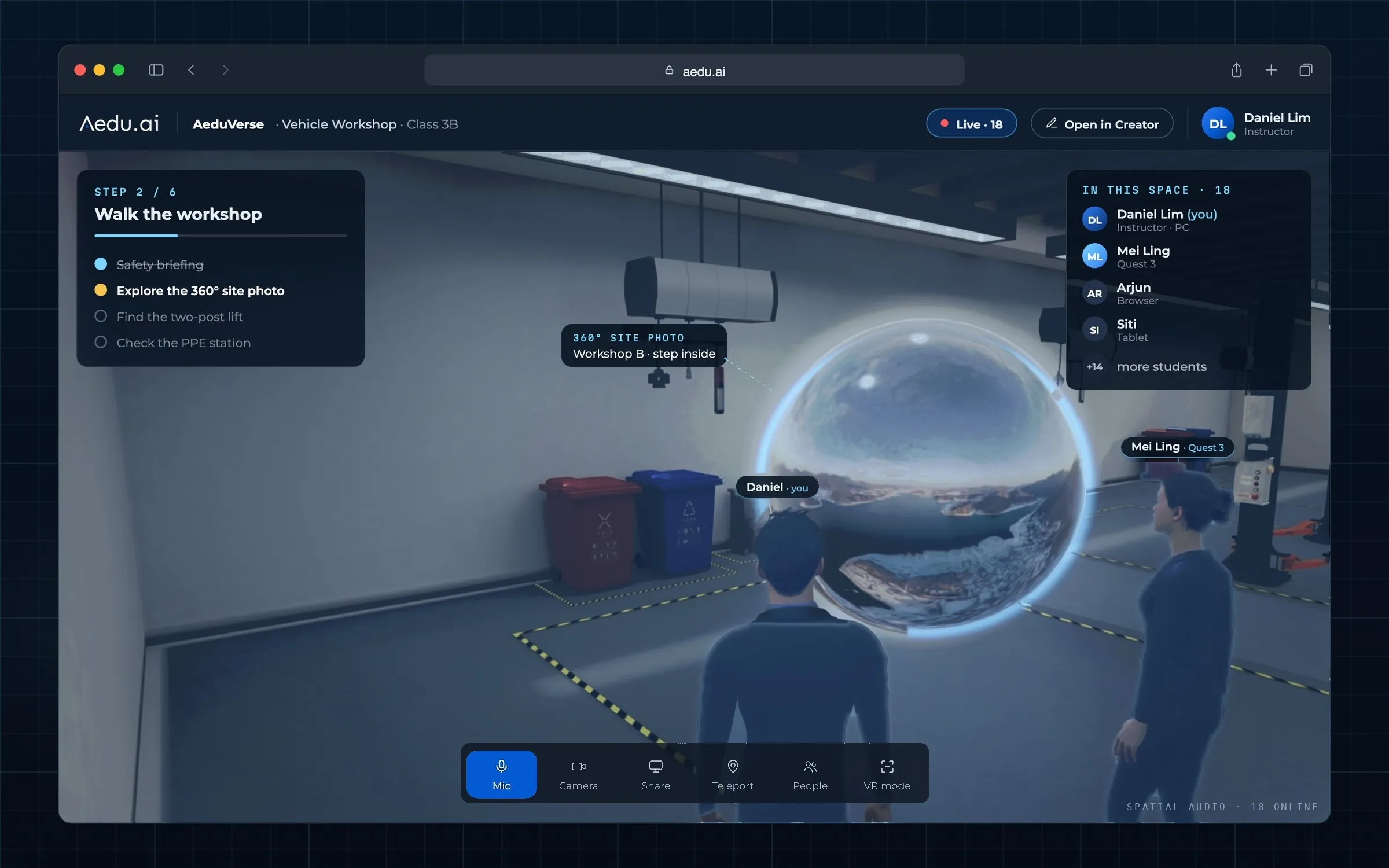
No. AeduVerse runs in the web browser. Students open a link on a computer, phone or tablet, and VR headsets open it in the headset's browser.
Which devices does it run on?
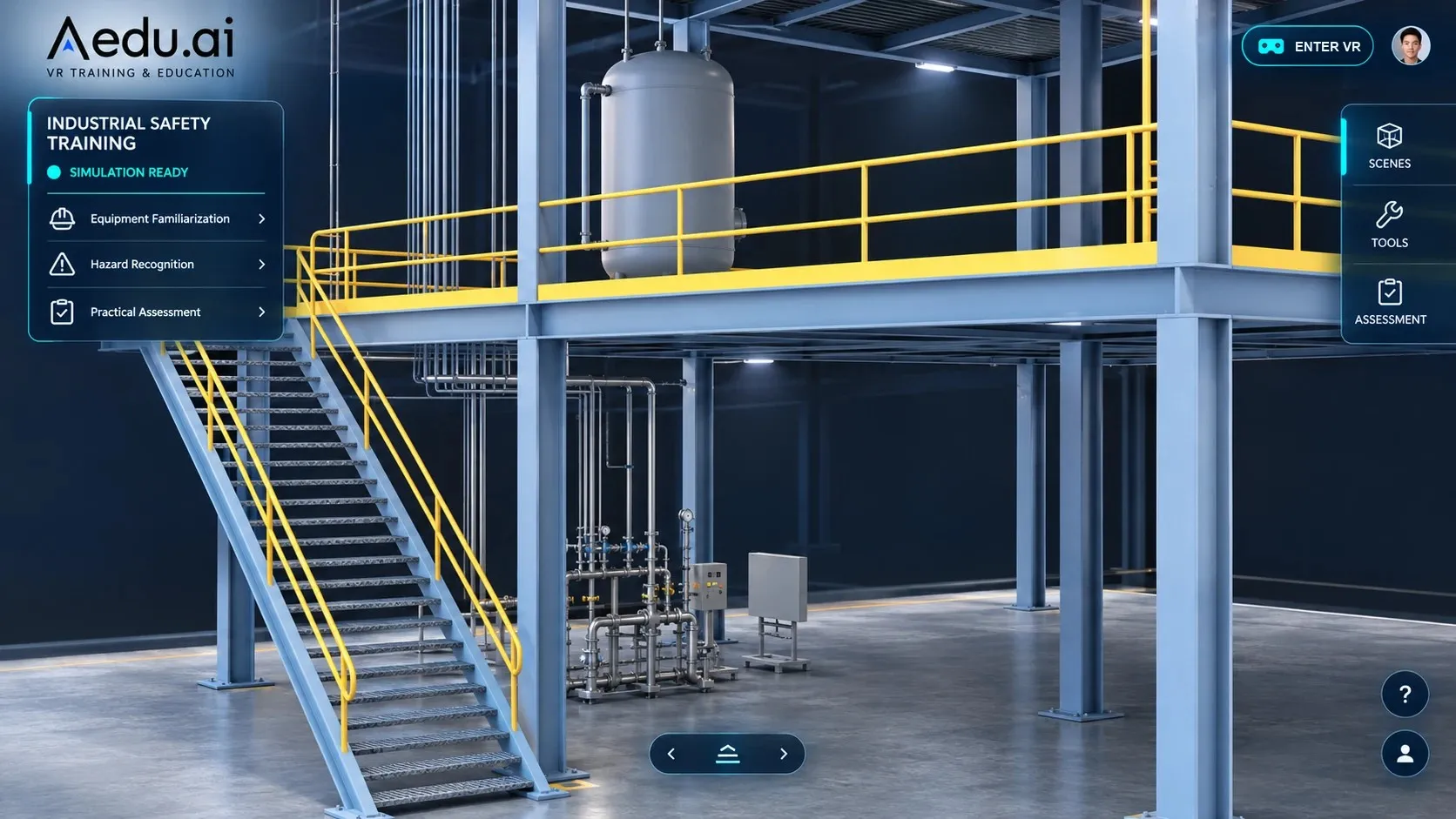
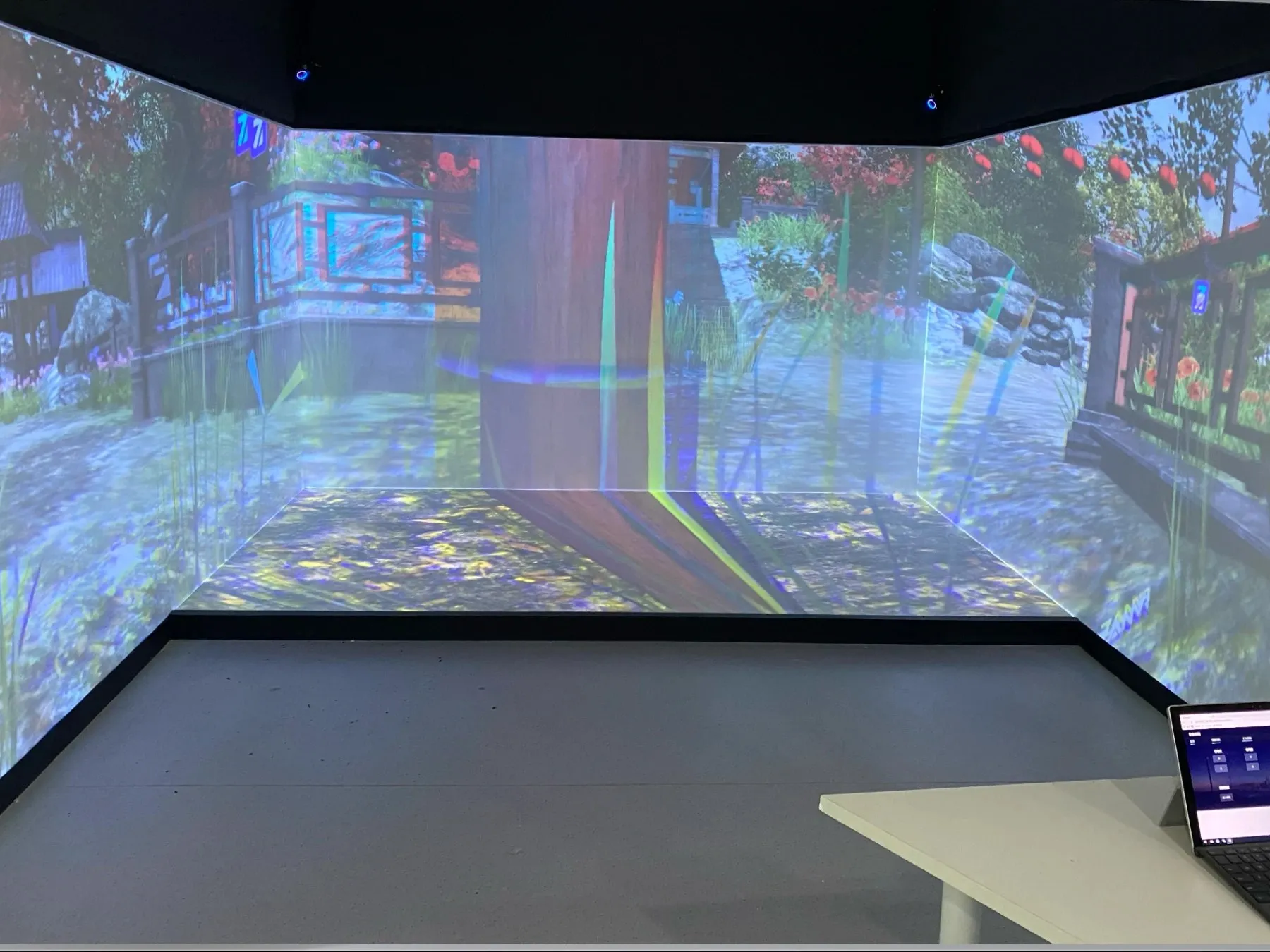
Web browsers on Windows and macOS, iOS and Android phones and tablets, Meta Quest and other WebXR headsets, and large displays such as LED walls, holographic screens, CAVEs and immersive projection rooms.
Can teachers create lessons without programmers?
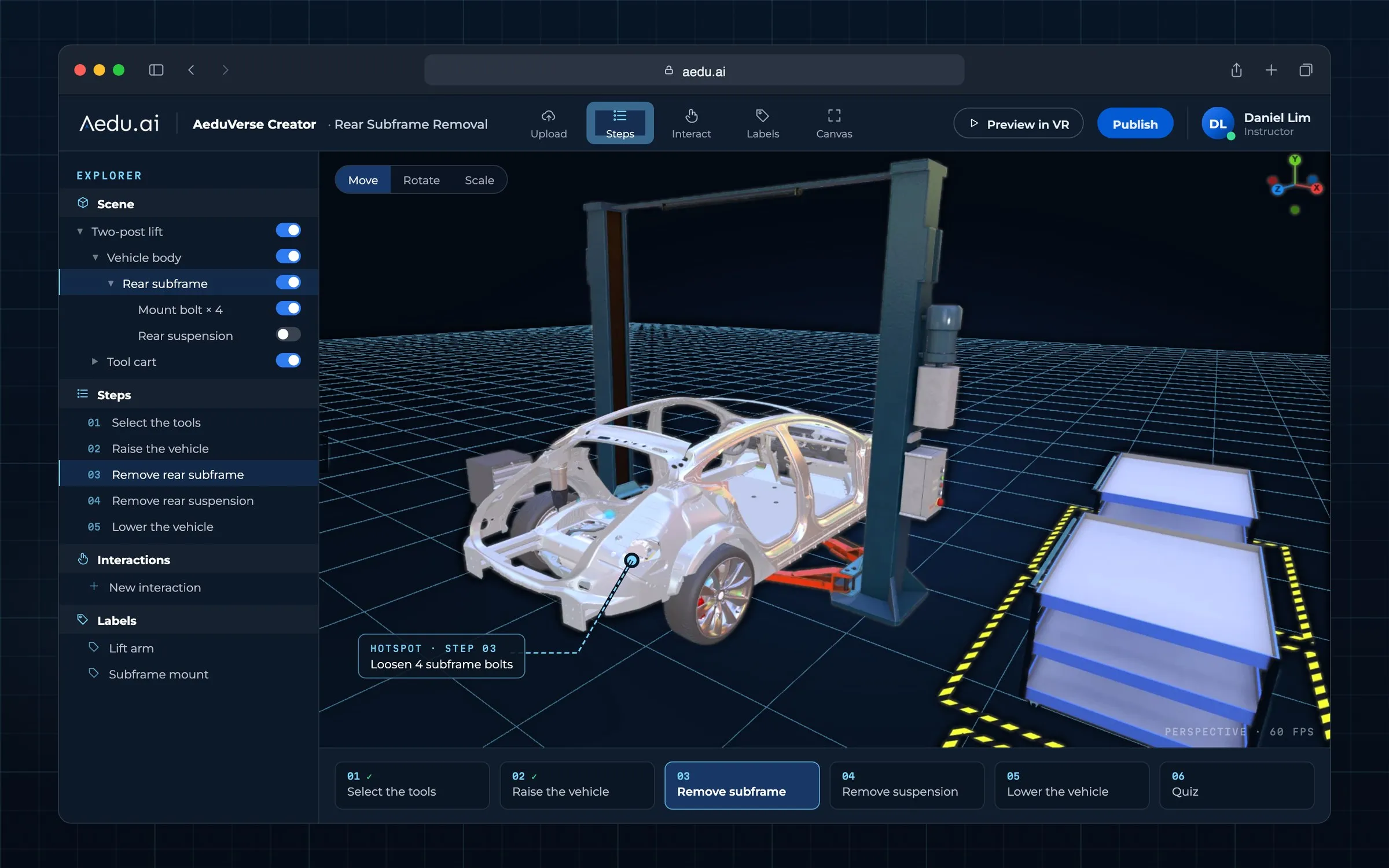
Yes. AeduVerse Creator is a no-code editor for scenes, steps, hotspots and questions. For complex equipment we can also build lessons for you from your own machines and procedures.
Can we use our existing 3D models and course material?
Yes. You can upload images, video, 360° panoramas, PDFs, 3D models and XR content, import assets from mainstream 3D tools and engines, and bring Unity projects across with the export plugin.
How are users and data managed?
Administrators manage classes, users, roles, content and permissions in one place. Talk to us about hosting and data requirements for your institution.