MANUS gloves: the fingers
Finger-level control of a dexterous robot hand, with vibration on contact in the Pro Haptic model.

Products · Force feedback
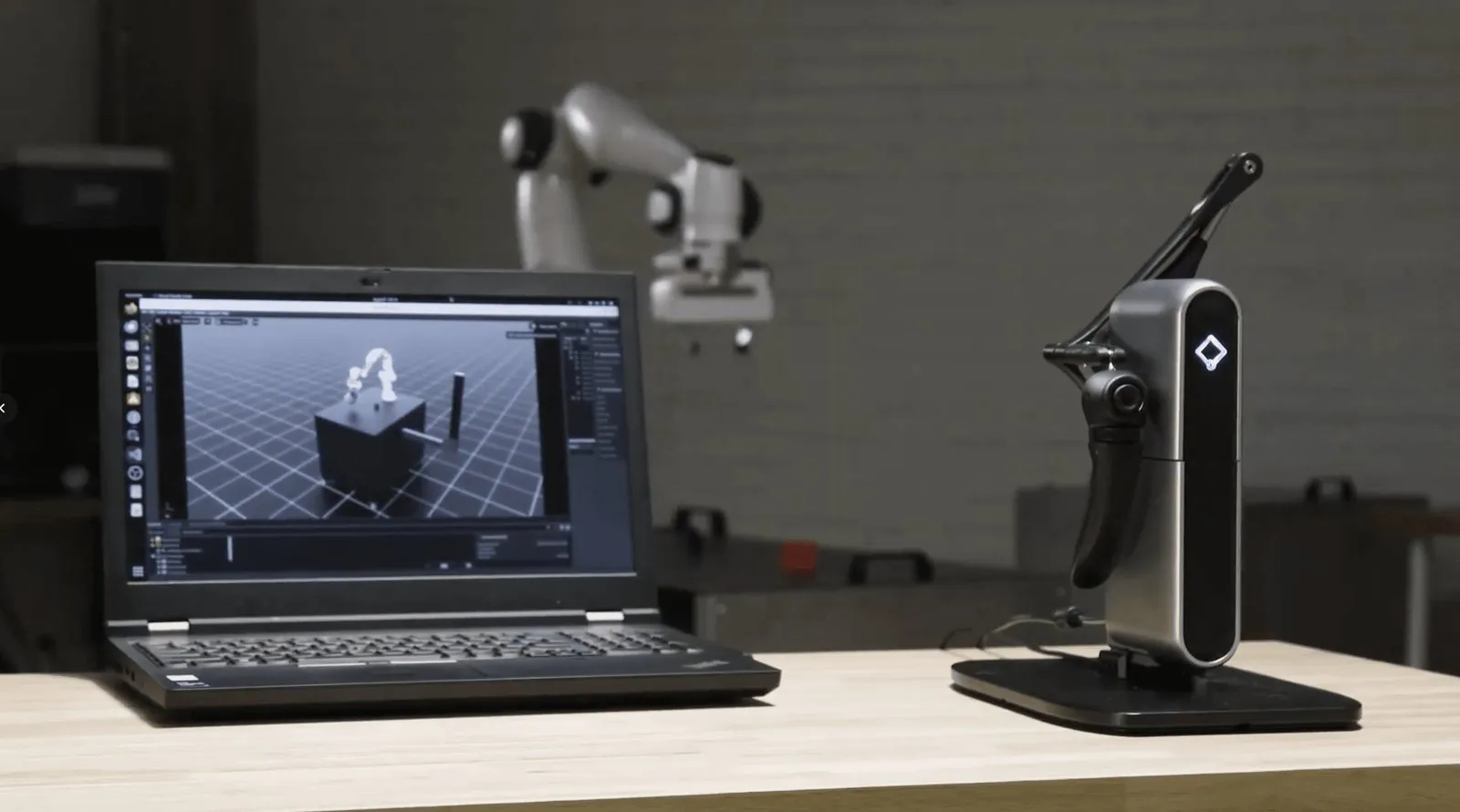
A desktop force feedback controller. Move the handle to drive a robot arm, and feel the robot's contact forces in your hand. Supported in NVIDIA Isaac Lab for teleoperation with force feedback.
Specifications
Inverse3 tracks where your hand is and pushes back with real force. Add the VerseGrip handle for orientation and buttons.
NVIDIA Isaac Lab
Isaac Lab ships a Haply teleoperation setup: a Franka arm picks up a cube while the operator feels every contact.
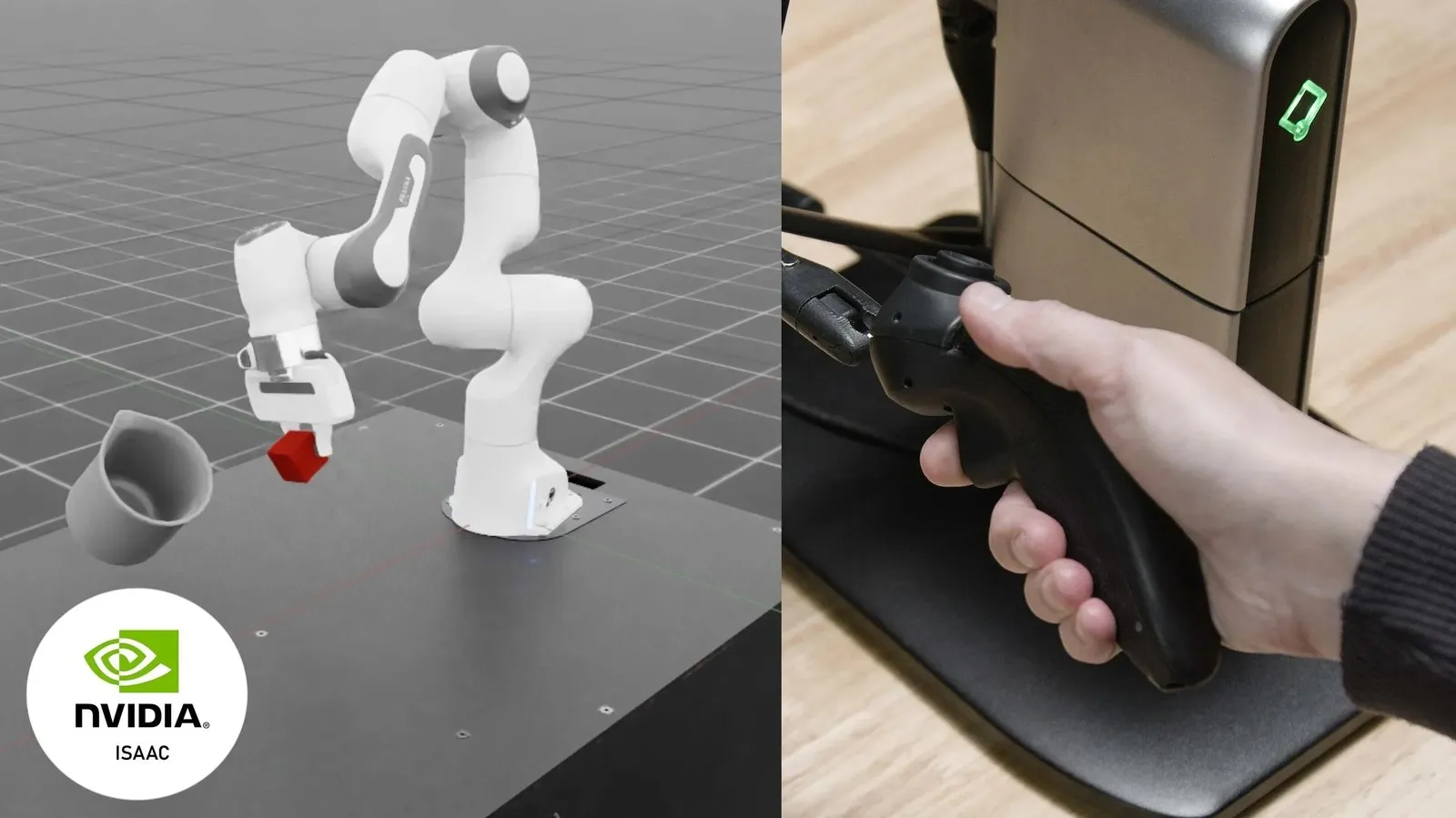
Inverse3 position drives the robot's end effector; inverse kinematics works out the joint angles.
VerseGrip buttons open and close the gripper and rotate the end effector.
Contact forces from the robot's end effector are streamed back to Inverse3 in real time.
The Inverse3 workspace is mapped to the robot's reachable space with safety limits.
Applications
Contact-rich teleoperation
Insertion, assembly, polishing and other tasks where the operator needs to feel how hard the robot is pushing.
Demonstration data with forces
Record demonstrations where contact force is part of the skill, not just position.
Surgical and medical simulation
Precise tool feel for training procedures that cannot be practised on patients.
Haptics research and teaching
A compact, programmable device for labs studying human touch and human-robot interaction.
Gloves or force feedback
The two devices control different parts of the robot, and work well together.
Finger-level control of a dexterous robot hand, with vibration on contact in the Pro Haptic model.
Precise positioning of the arm's end effector, with real contact force pushed back into the operator's hand.
For contact-rich work, gloves drive the hand while Inverse3 drives the arm.
From Aedu
Need a different force feedback device for your project? Ask us about other models.
Supply and setup
Device, VerseGrip and SDK set up on your workstation.
Mapped to your robot
Workspace mapped to your robot arm with safety limits.
Working example
Connected to NVIDIA Isaac Lab or your robot, with a running demo to build on.
Training and local support
Operators trained on site, then local support after handover.
FAQ
Inverse3 tracks position and gives force feedback in 3 DoF (x, y, z). The VerseGrip handle adds orientation sensing and buttons, for example to open and close a gripper.
Yes. Isaac Lab includes a Haply teleoperation setup in which Inverse3 and VerseGrip drive a Franka arm and contact forces are sent back to the operator.
Usually yes. The Haply SDK streams position and orientation, which we map to your arm's end effector with safety limits. Send us the arm model and we will confirm.
Gloves for finger-level control of a dexterous hand, Inverse3 for positioning an arm and feeling contact force. Many contact-rich setups use both.
Work with us
Tell us which robot arm you use and what tasks you want to teleoperate, and we will reply by email with a quote.