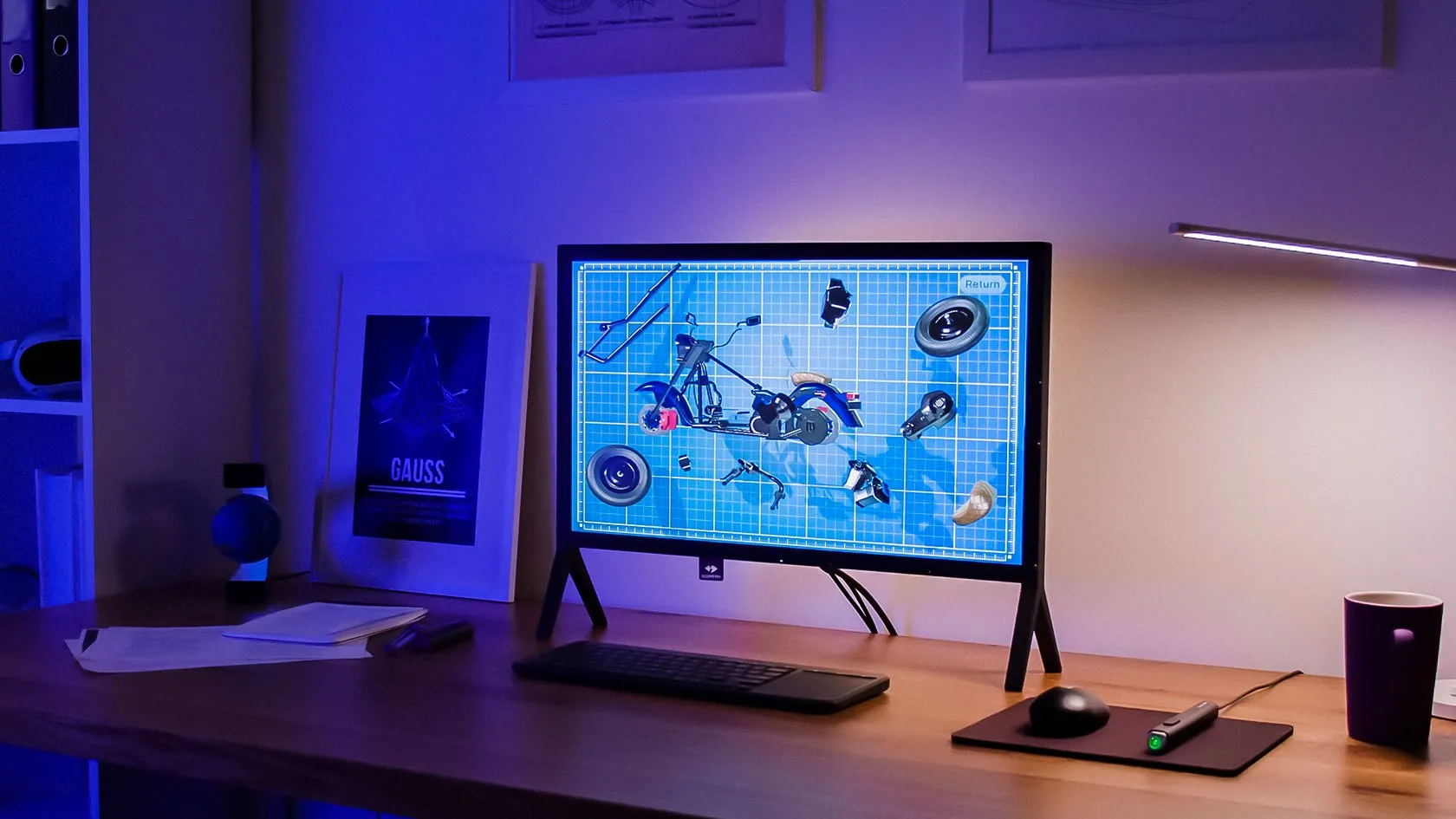
Desktop holographic display
ILLUMETRY IO
One person, hands-on, close up
- 24"
- screen
- 120 Hz
- 3D
- 6DoF
- stylus
- Classrooms and STEM labs
- Anatomy and medical imaging
- Engineering and CAD review
- XR content development

Products · Holographic displays
Interactive 3D holographic displays that make models appear to stand in front of you, with light glasses instead of a headset. A desktop holographic display for hands-on learning, and a 65-inch hologram table for presenting to a room.
How it works
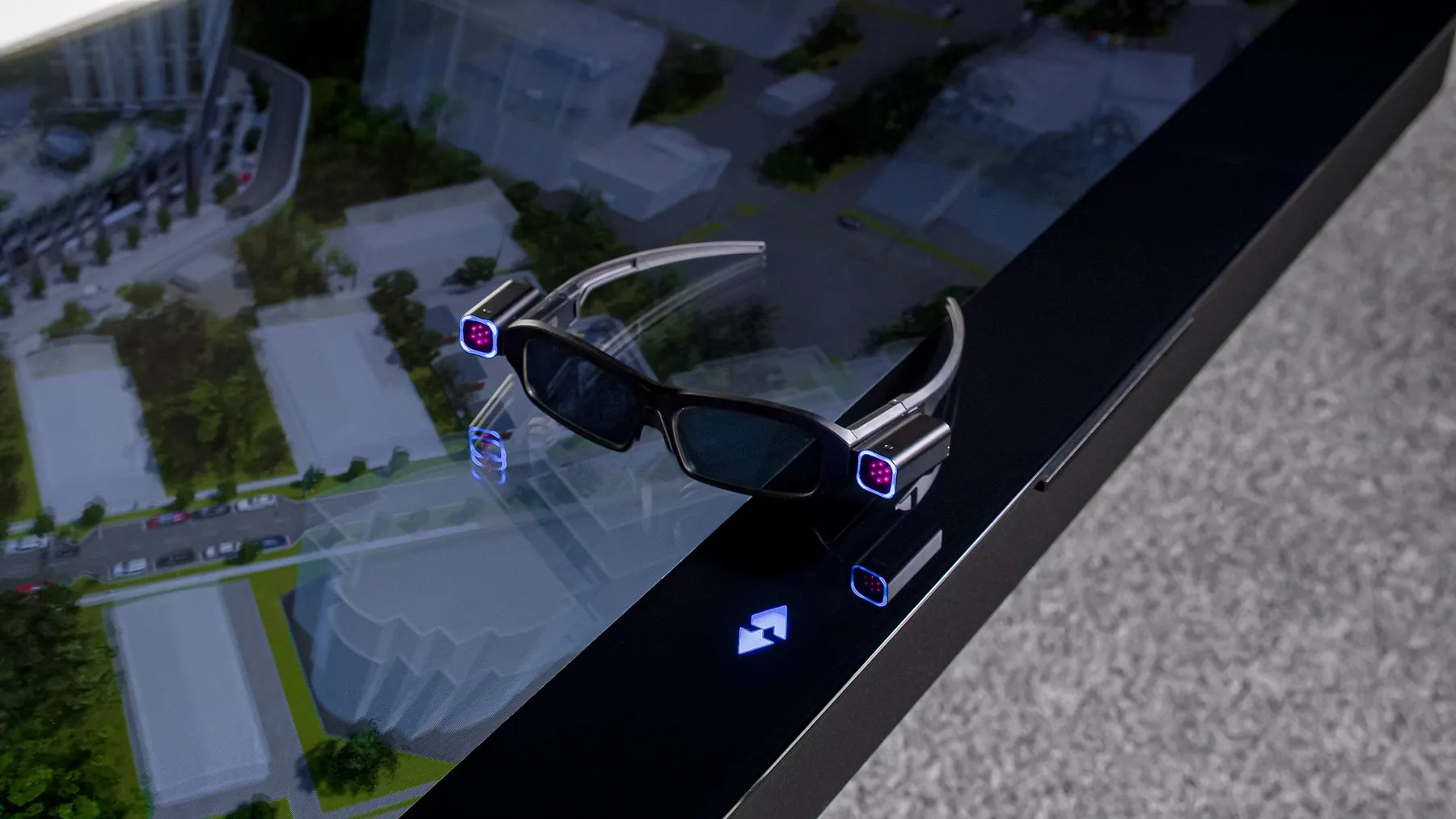
ILLUMETRY holographic displays use MotionParallax3D: the same cue your brain uses to judge depth when you move your head. The result is a 3D hologram on a flat screen.
Choose
Start from who is looking. One person working hands-on at a desktop holographic display, or a group around a hologram table.
Desktop holographic display
One person, hands-on, close up
65-inch hologram table
A group, presenting and deciding together
ILLUMETRY IO · Desktop
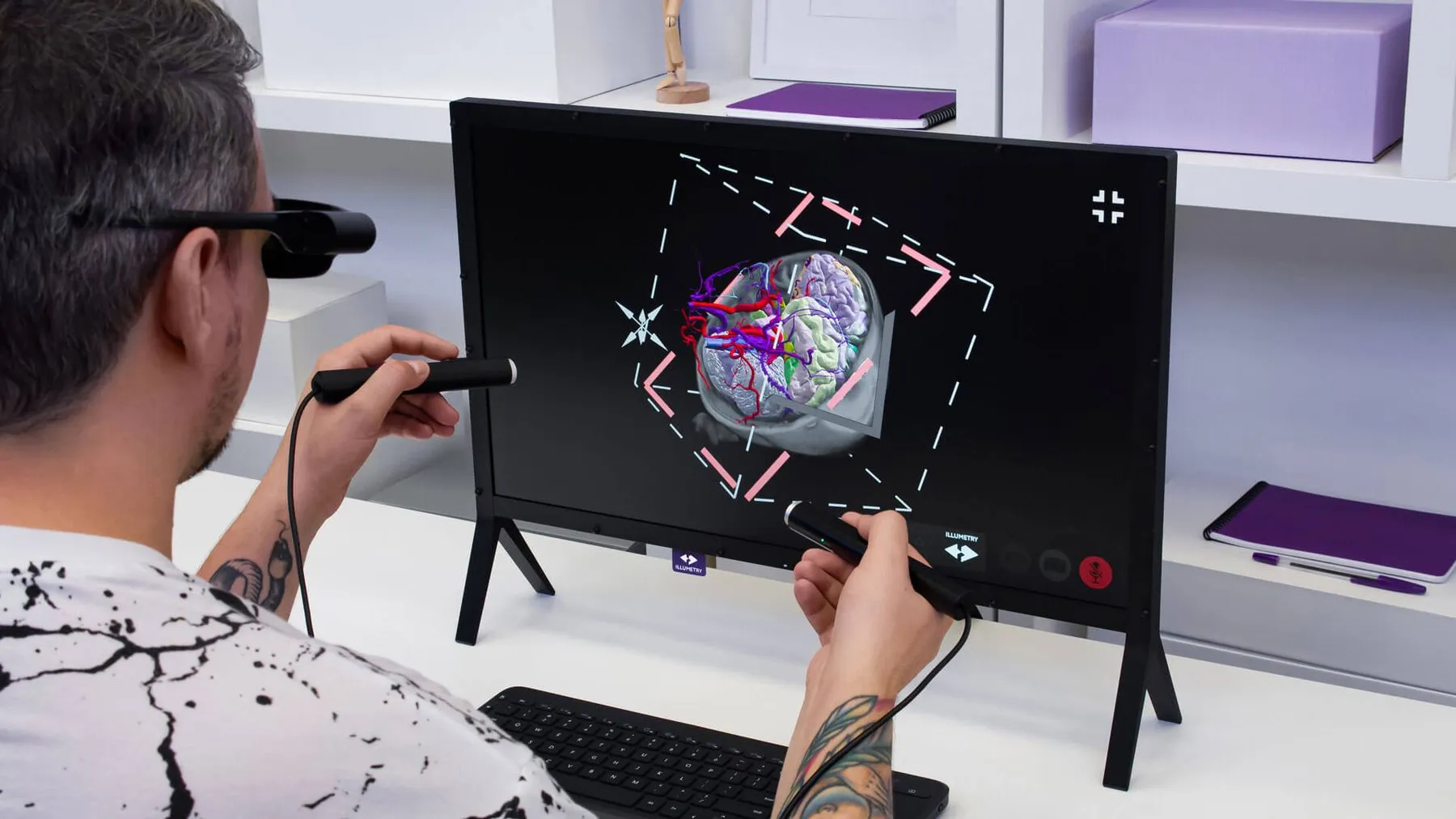
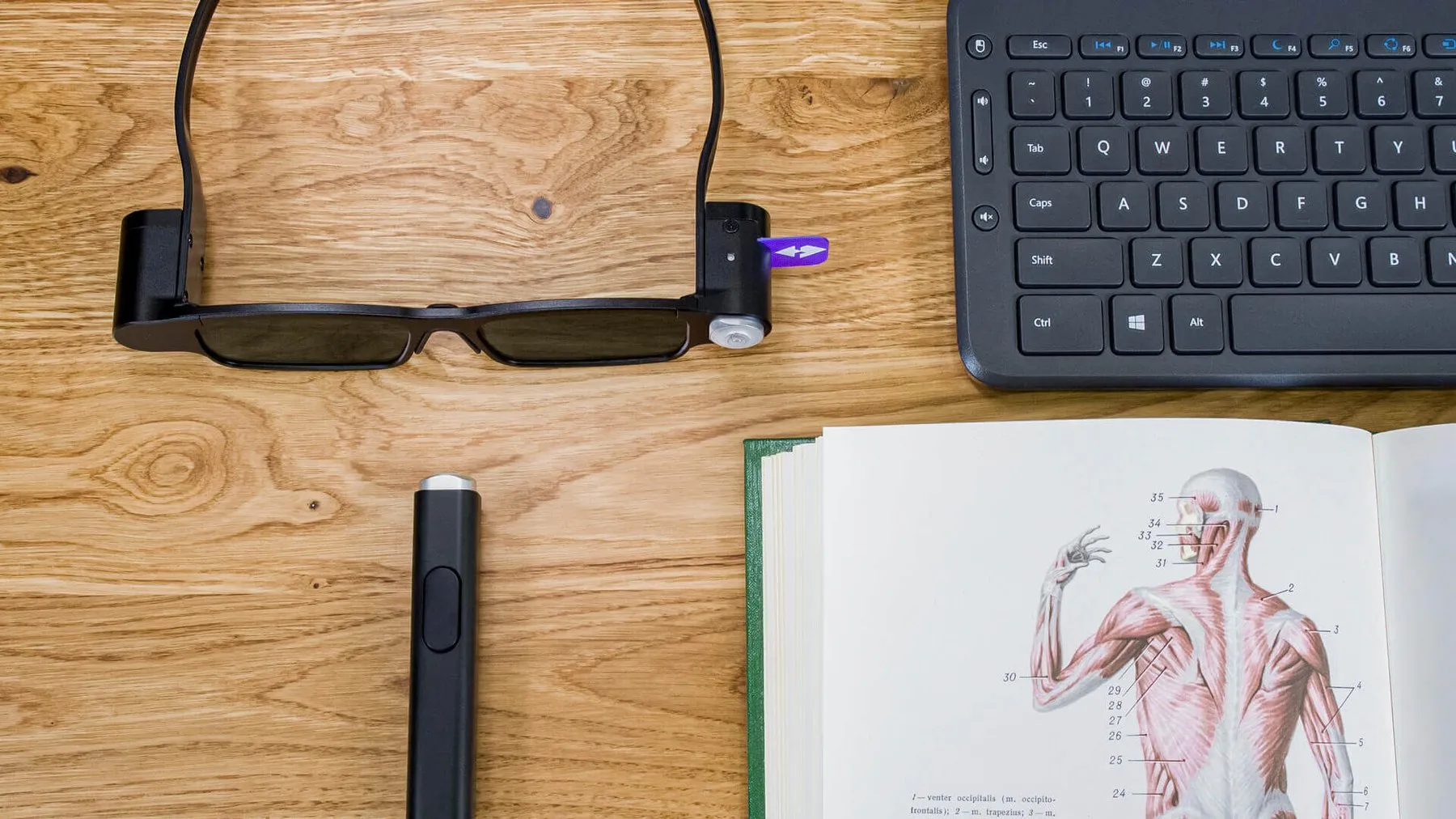
A 24-inch desktop holographic display (holographic monitor) with tracked glasses and a 6DoF stylus, for one person exploring a 3D hologram up close.
Holds steady as you move
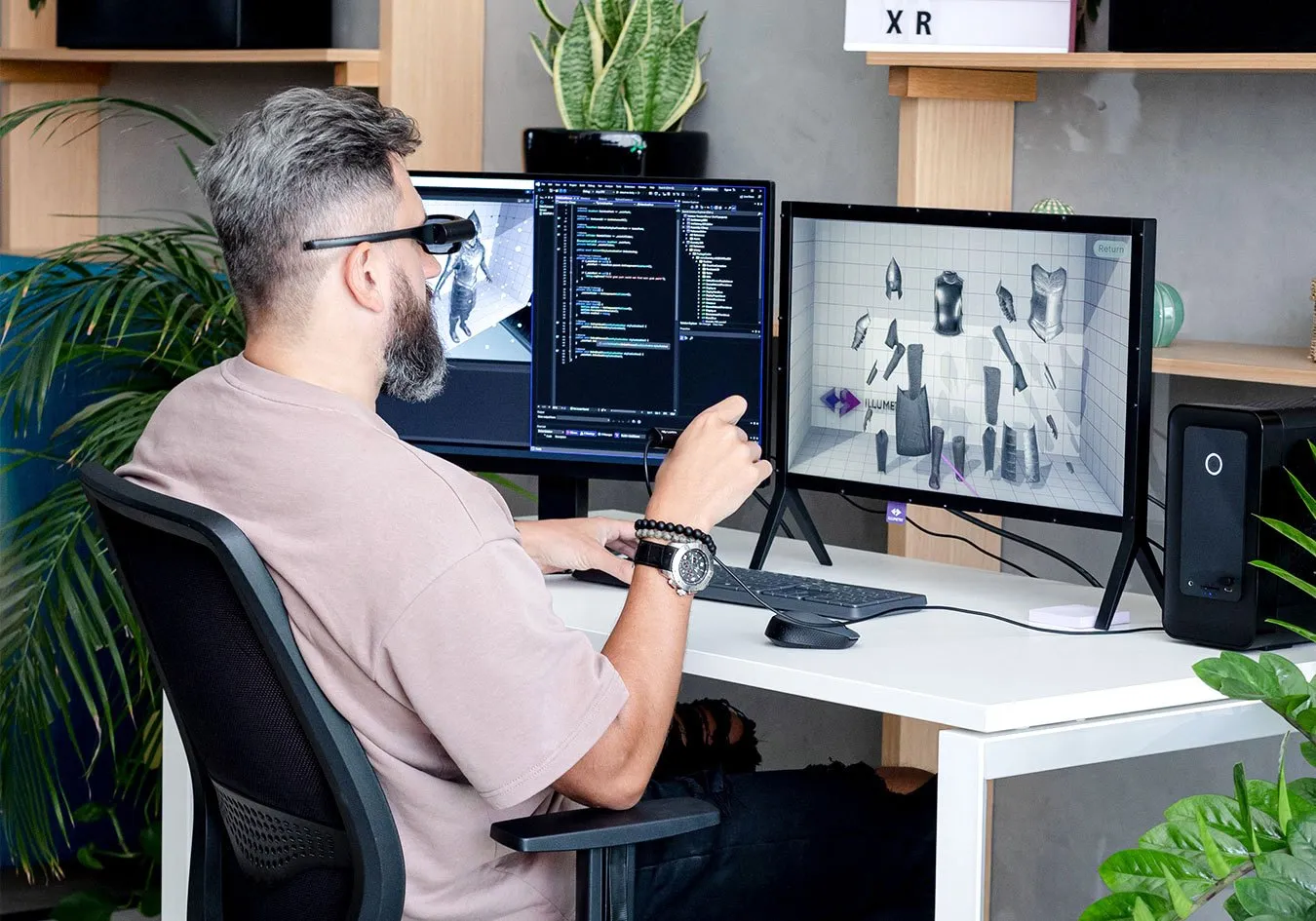
Tracking with data extrapolation keeps the hologram stable even when you move your head quickly, so you can look at it from every side.
A 6DoF stylus
Pick up, rotate and pull objects straight out of the screen. The stylus is precise even right next to the display.
Stay in the room
Unlike a headset, students keep eye contact with the teacher and each other, and the glasses fit both children and adults for long sessions.
Runs on a normal PC
Connects to a PC with a capable GPU and works with Unity and Unreal Engine content.
Specifications
ILLUMETRY EOS · Table
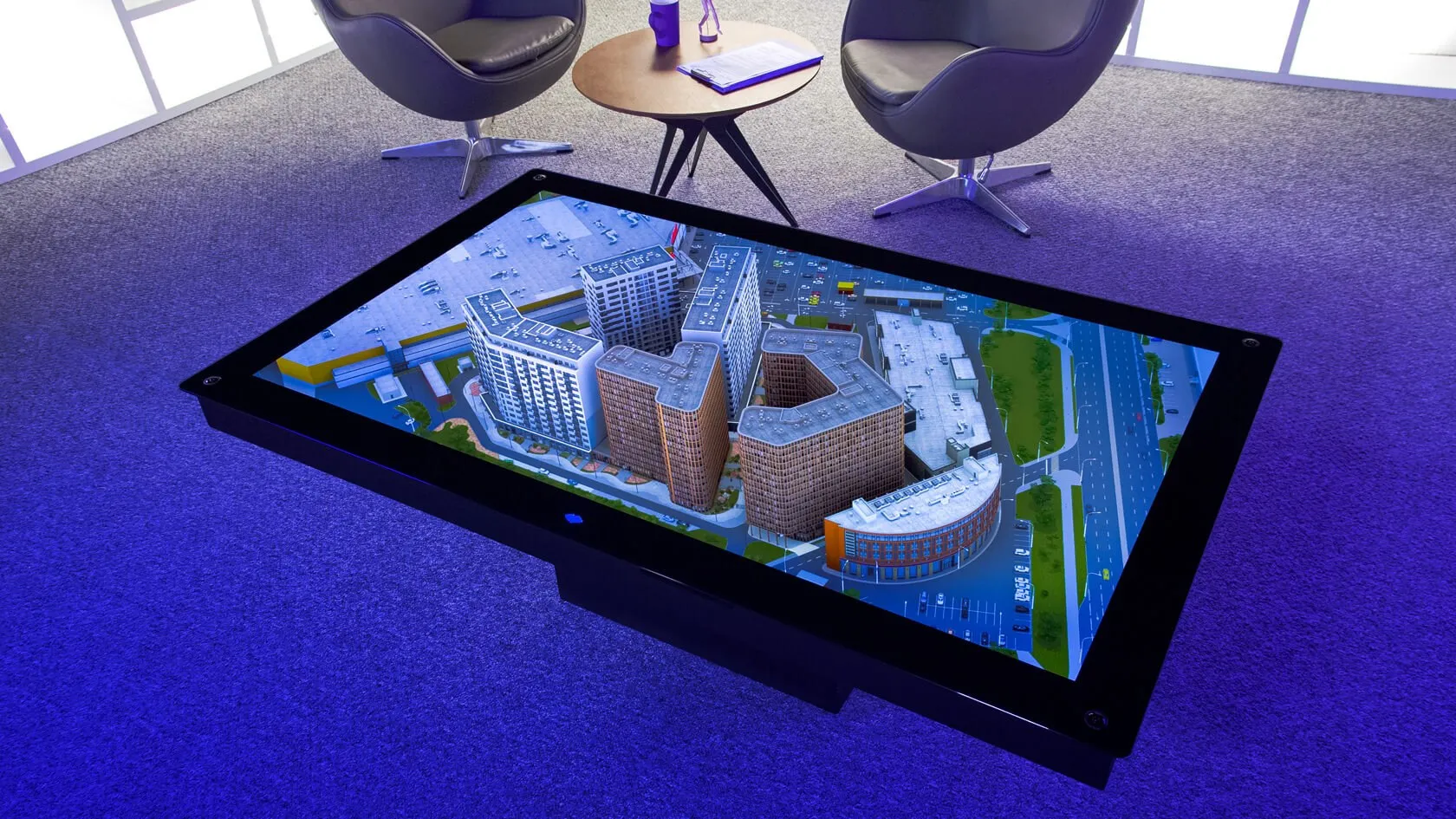
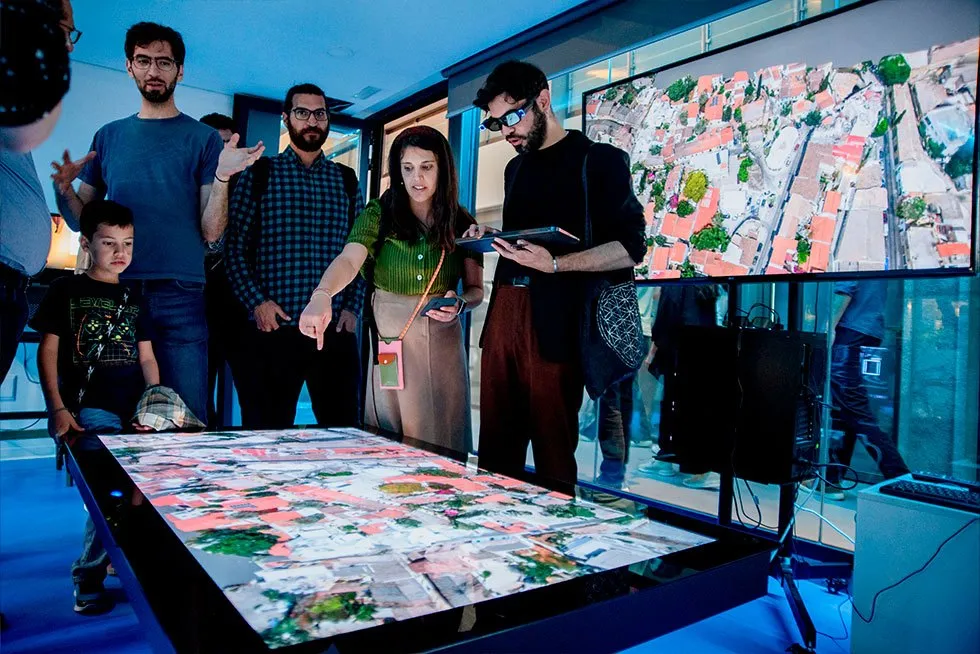
A 65-inch interactive hologram table that shows projects as holographic scale models, with sub-2 mm optical tracking, for sales galleries, showrooms and briefings.
Scale models with every detail
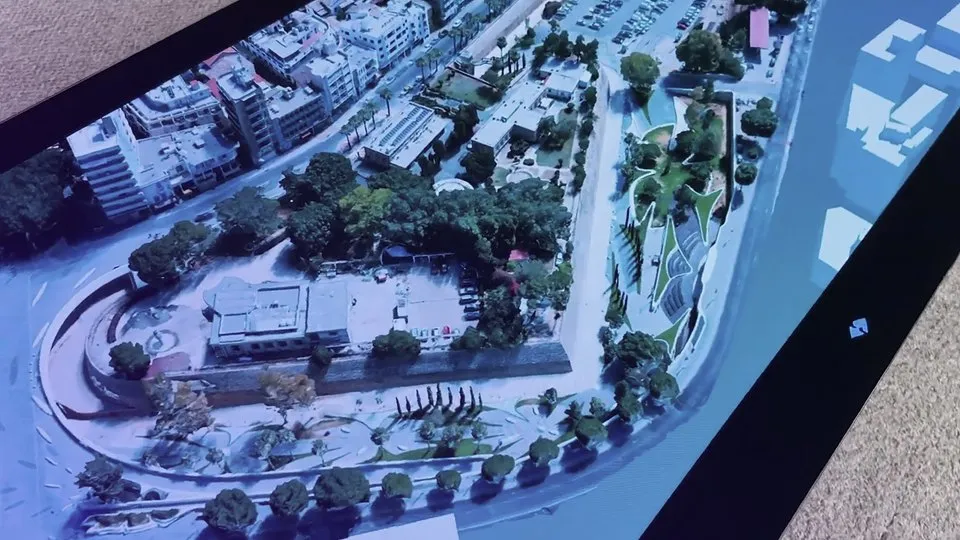
Present buildings, sites and machines as holographic scale models, then zoom in to details such as the view from a window.
Control with a tablet or your hands
Switch views and navigate in real time from an iPad, or add the gesture control module.
Bring scenes to life
Animate people, vehicles and processes so the model works like a simulator.
Show everyone
Add an external display that mirrors what the presenter sees, so the whole room can follow.
Specifications
Applications
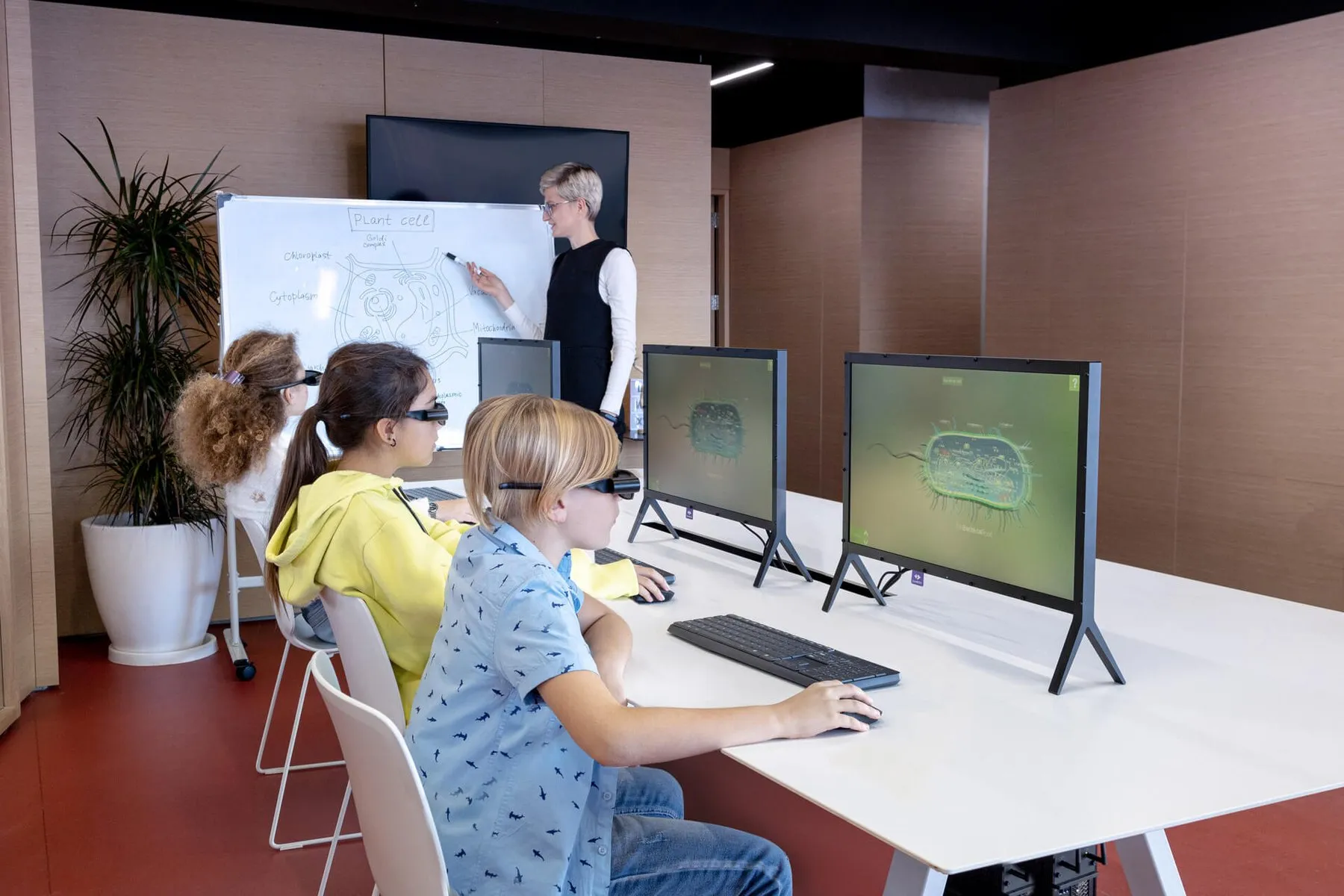
Education
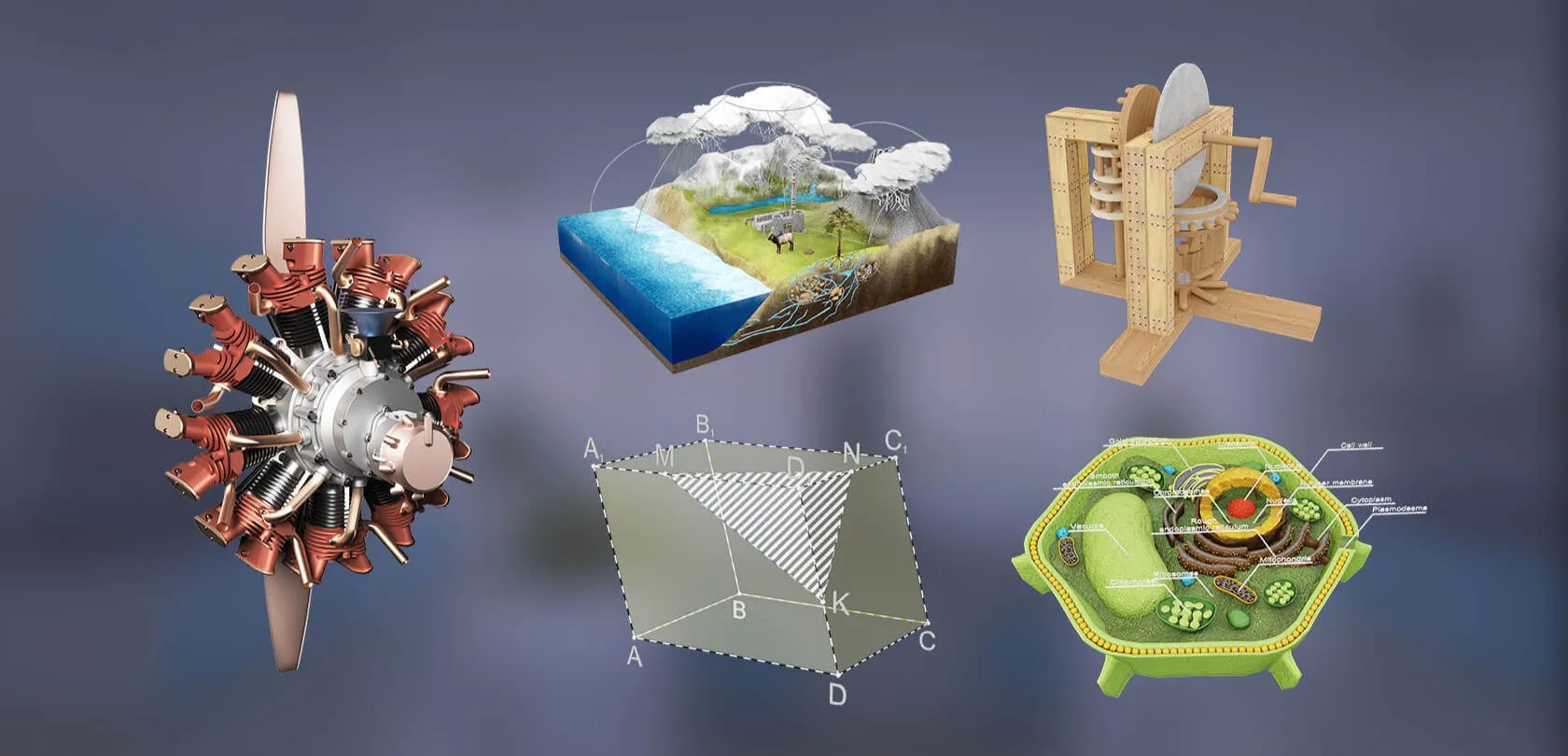
Cells, planets, engines and molecules students can take apart in front of them. Several IO stations make an immersive classroom.
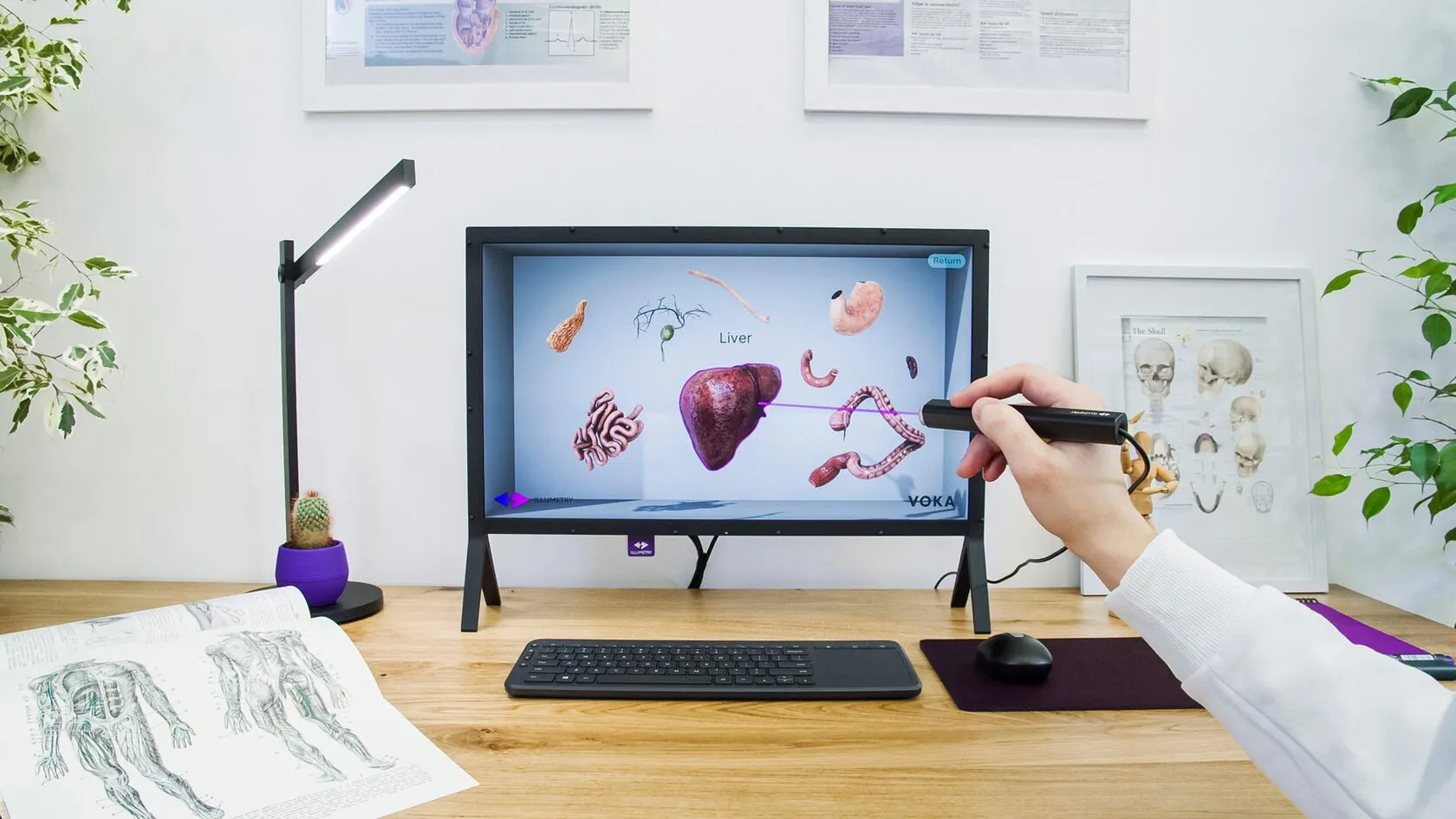
Medical
Explore anatomy and CT or MRI data sets as volumes, and rehearse procedures on a model that sits on the desk.
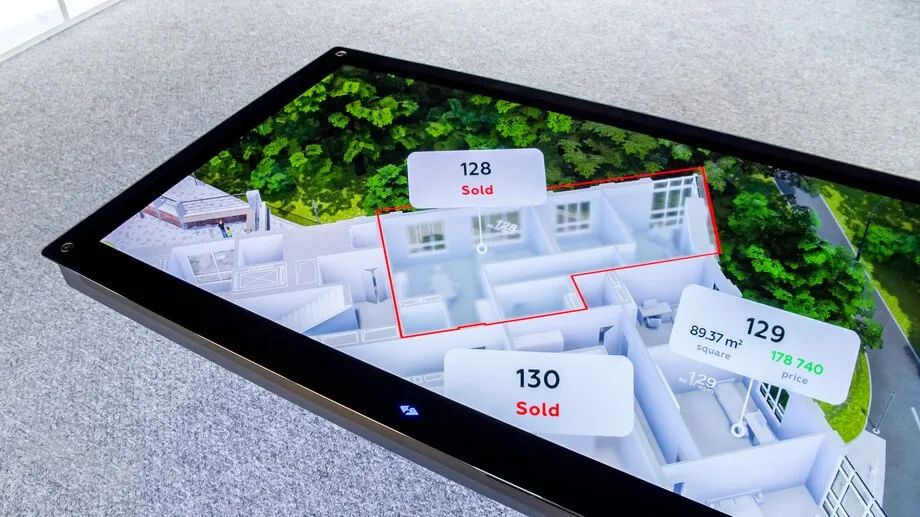
Real estate
Show a development unit by unit, with floor plans, views and availability, to buyers and brokers.
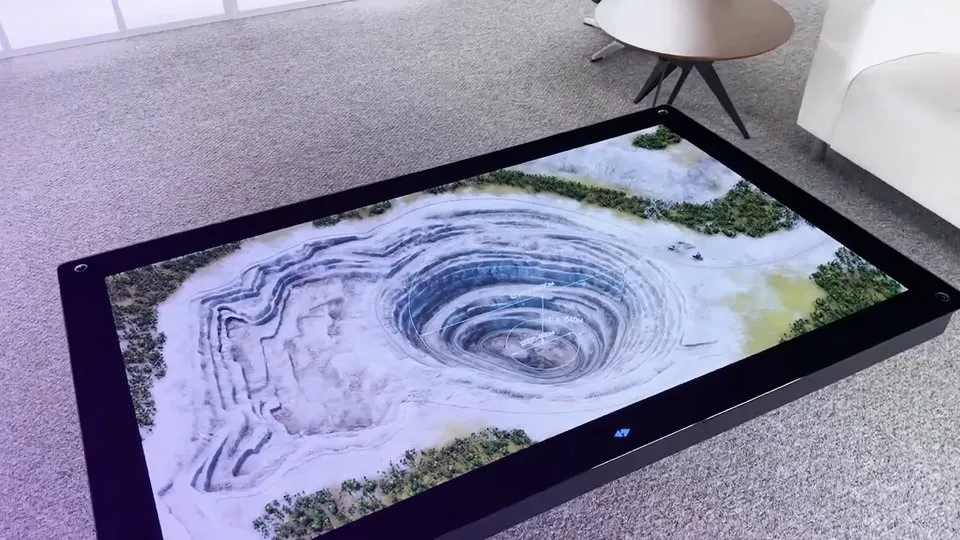
Industry
Mining, infrastructure and city models from drone photogrammetry, turned into clear 3D briefings for teams and stakeholders.
Content
Any 3D model can become a hologram. ILLUMETRY holographic displays work with Unity and Unreal Engine, and ready-made education and medical software is available.
Your own models
Education
Medical
From Aedu
Aedu AI supplies ILLUMETRY holographic displays and hologram tables in Singapore and Southeast Asia, with setup, content and training.
Advice and a demo
We help you choose between IO and EOS for your room, audience and budget, and arrange a demo.
Supply and setup
Displays, glasses, stylus or tablet, and the PC or graphics station, delivered and set up on site.
Content from your models
We prepare or port your 3D, CAD and course models, the same way we build XR training content.
Training and local support
Teachers and presenters trained on site, then local support after handover.
FAQ
A holographic display shows 3D content that appears to float in front of or above the screen, with real depth, so you can look around an object as if it were physically there. ILLUMETRY holographic displays do this with tracked stereo glasses and MotionParallax3D, without a VR headset.
A hologram table such as ILLUMETRY EOS presents 3D models to a group around a 65-inch surface: property developments in sales galleries, masterplans and digital twins, mining and infrastructure sites, museum and heritage content, and product showcases at exhibitions.
ILLUMETRY uses MotionParallax3D. Lightweight stereo glasses are tracked in real time, and the display redraws the 3D scene for exactly where your eyes are, so the object appears to stand on or above the screen and stays fixed in space as you move your head around it.
IO is a 24-inch desktop holographic display with a 6DoF stylus, for one person working close up: students, doctors, engineers and developers. EOS is a 65-inch hologram table for presenting to a group, controlled with a tablet or hand gestures, for sales galleries, showrooms, briefings and design reviews.
Yes, light active-shutter stereo glasses (99 g for IO, 78 g for EOS). They are not a VR headset: you still see the room and the people around you, and they fit both children and adults.
Your own 3D and CAD models, education and STEM libraries, medical and anatomy software, and real estate or infrastructure models. ILLUMETRY integrates with Unity and Unreal Engine, and Aedu AI can prepare or port content from your existing 3D models.
Yes. IO works as a classroom station for STEM and engineering subjects and as an anatomy and medical imaging viewer, and several IO units can make up an immersive classroom. EOS suits group teaching, open days and exhibitions.
Aedu AI supplies ILLUMETRY IO and ILLUMETRY EOS in Singapore and Southeast Asia, including delivery, setup, content preparation and training. Contact us for a quote or a demo.
Work with us
Holograms are hard to show in a photo. Tell us what you want to present or teach, and we will arrange a holographic display demo and a quote.